
🔥49% OFF🔥 Magnetic SD Card Reader | No App Required

Tool for photographer
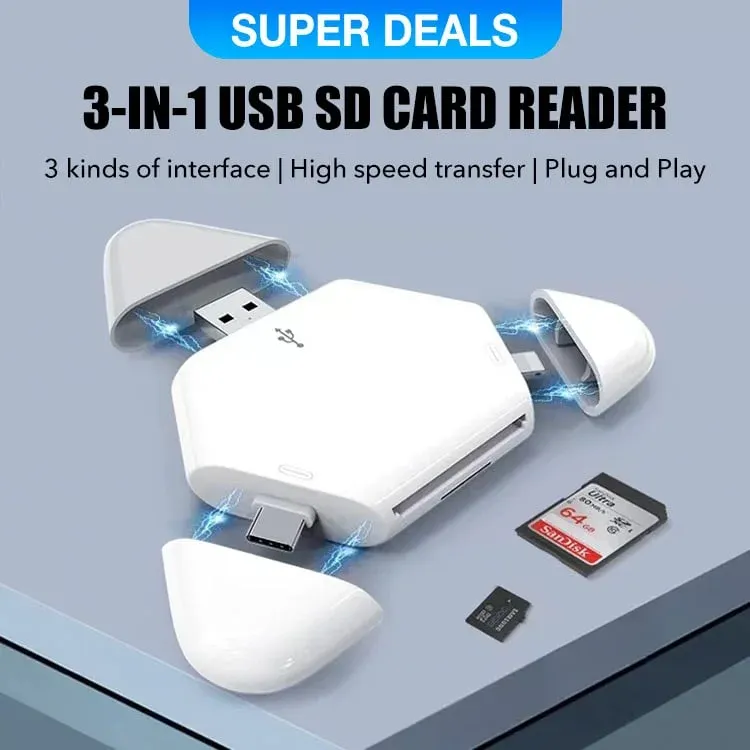
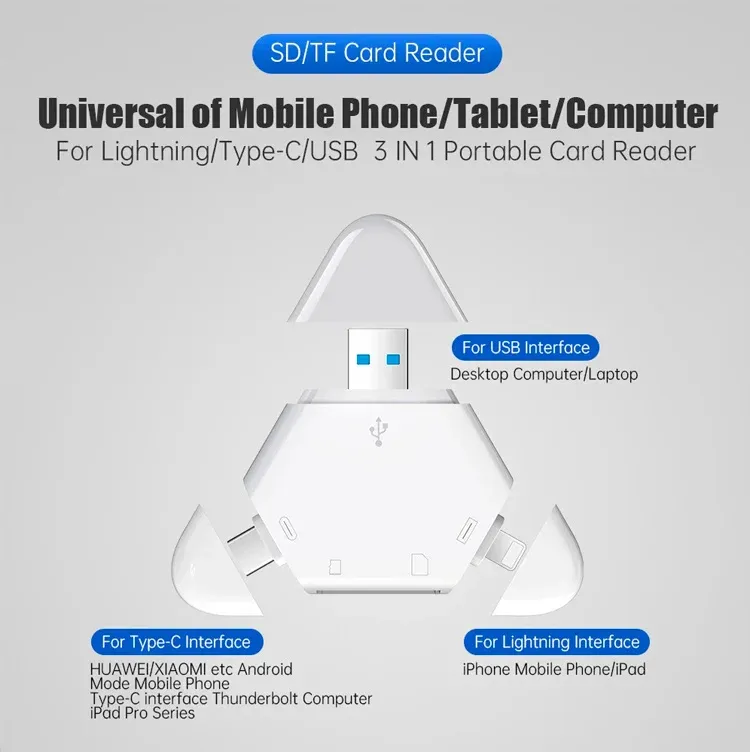
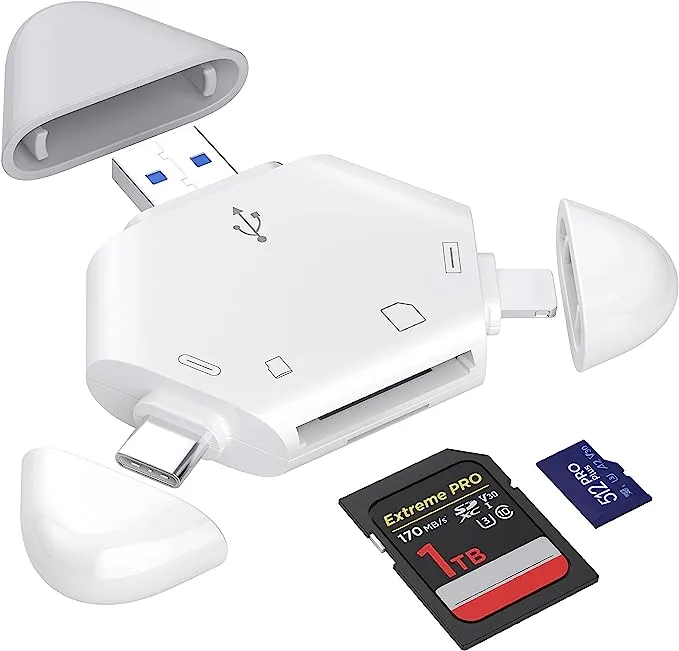
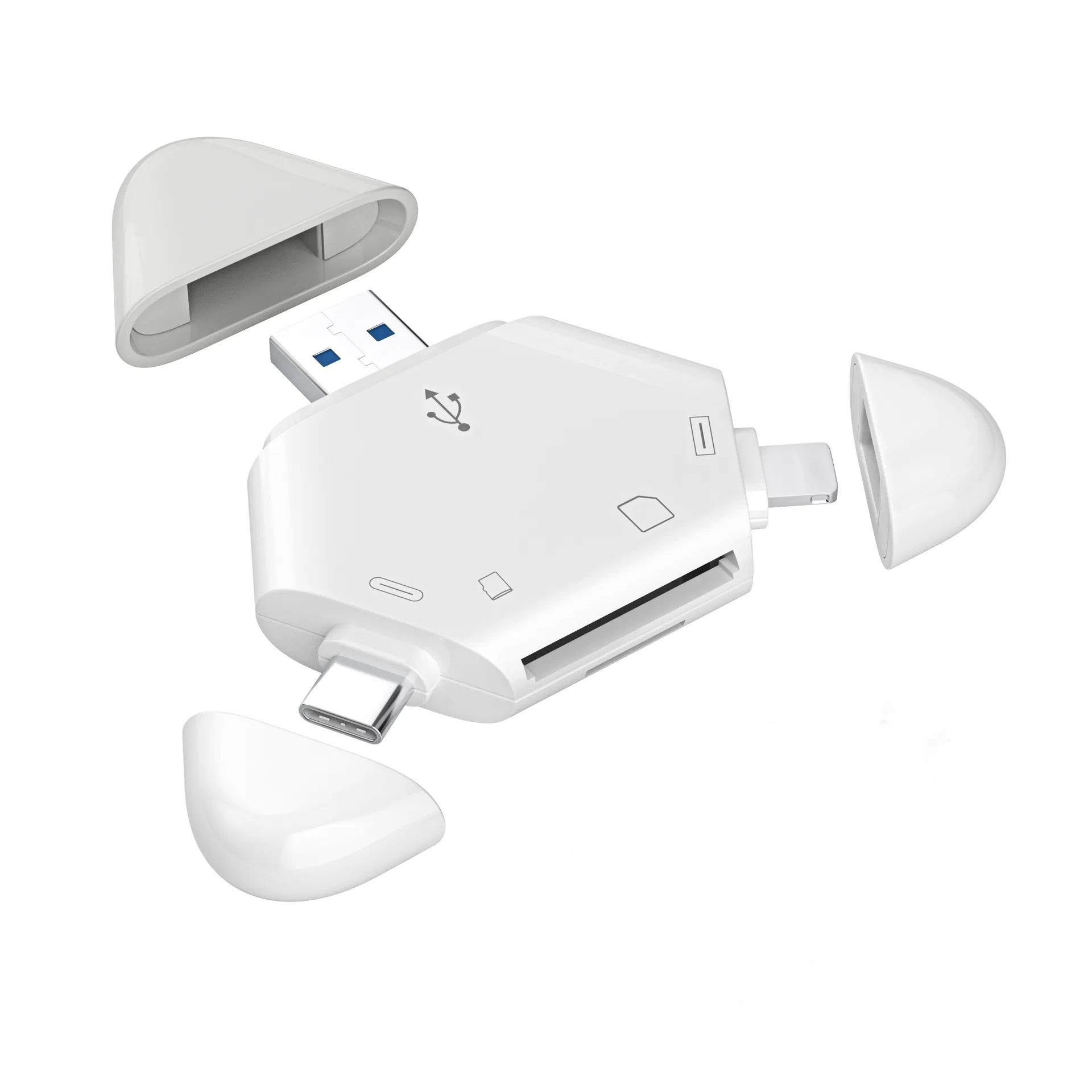
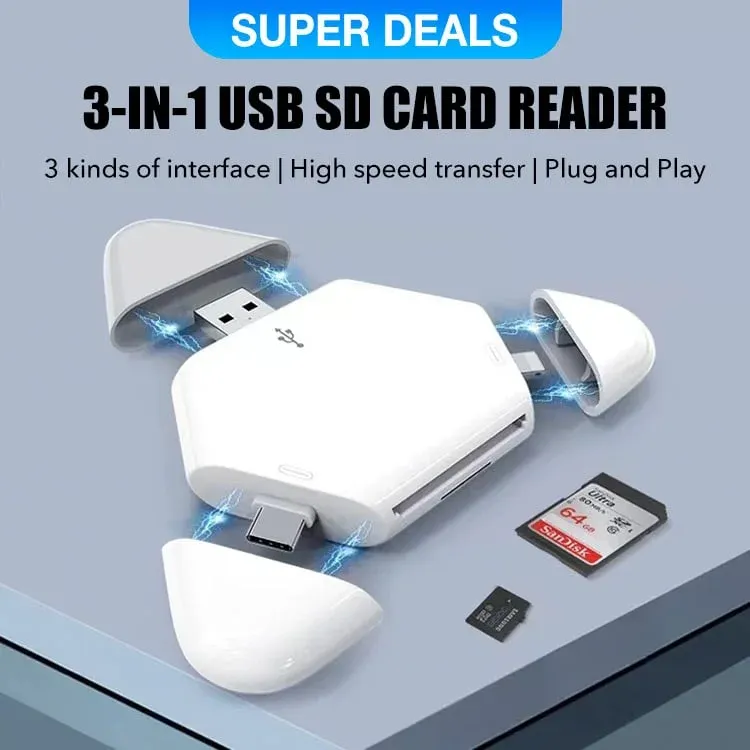
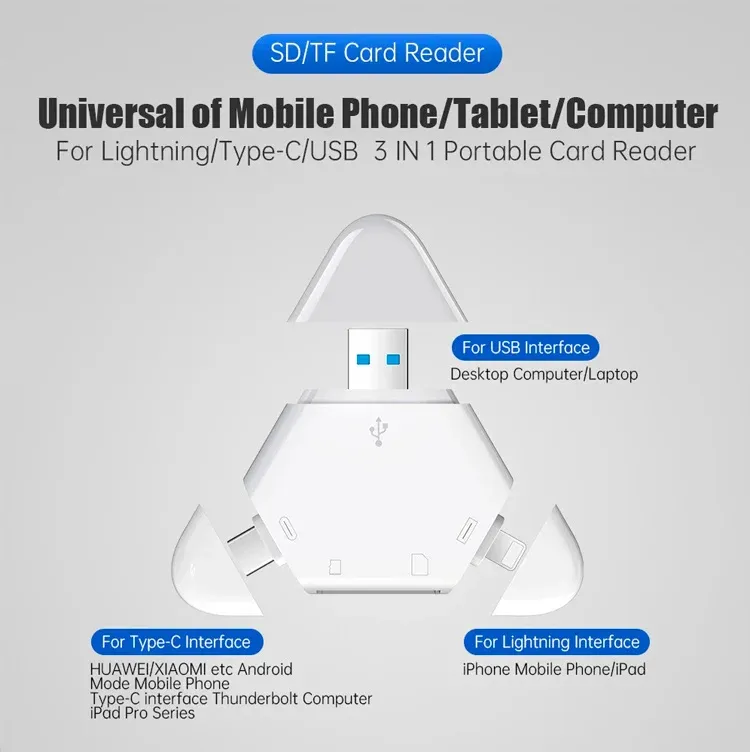
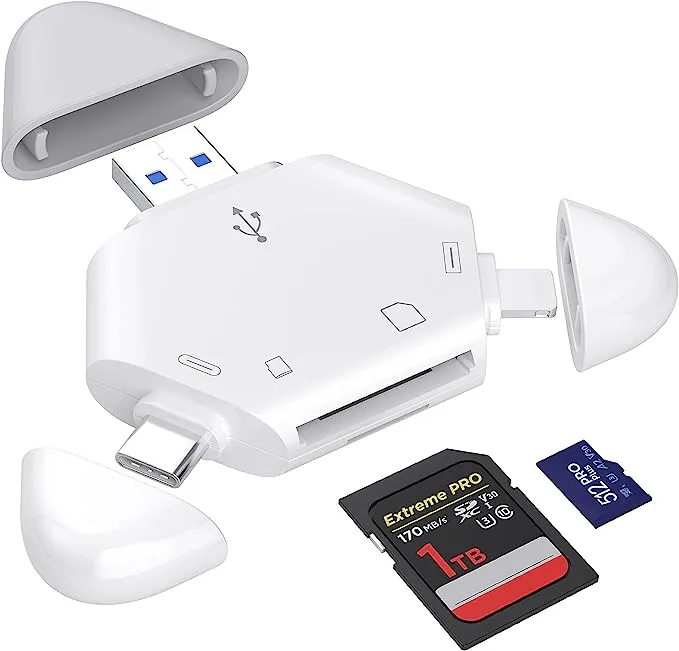
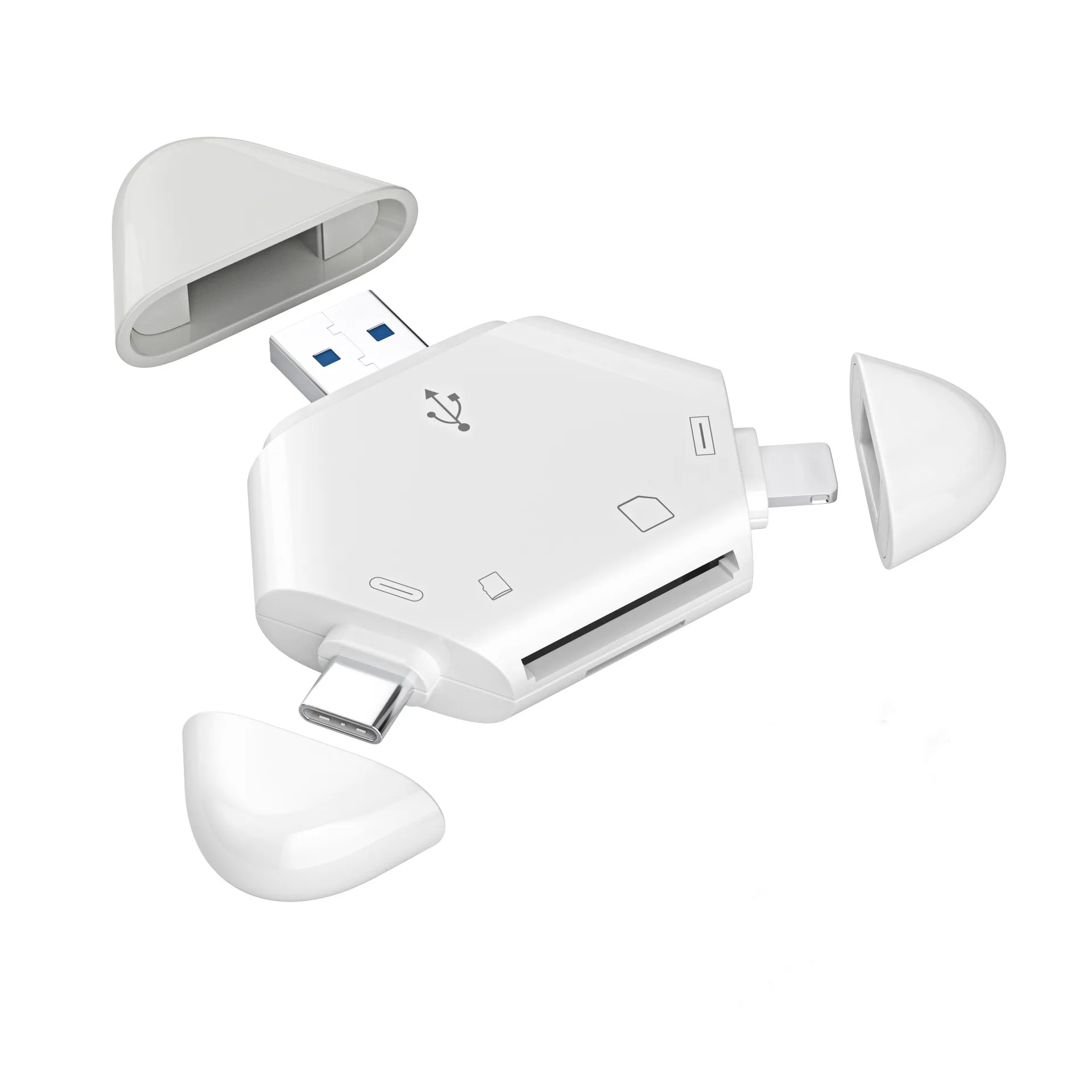
It is a Photography Accessories for Canon Nikon SLR Camera. TIANSONG triangle sd card reader has various interfaces, which allows you to easily transfer the required files between different devices.
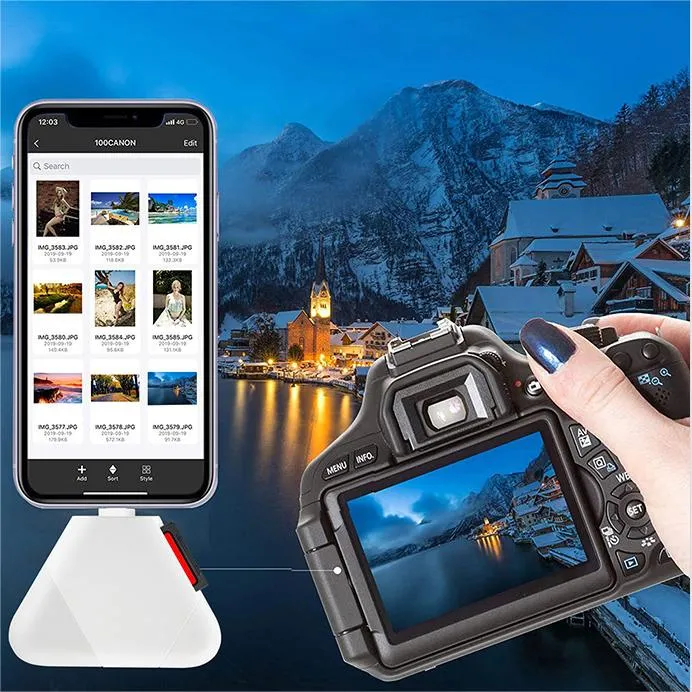
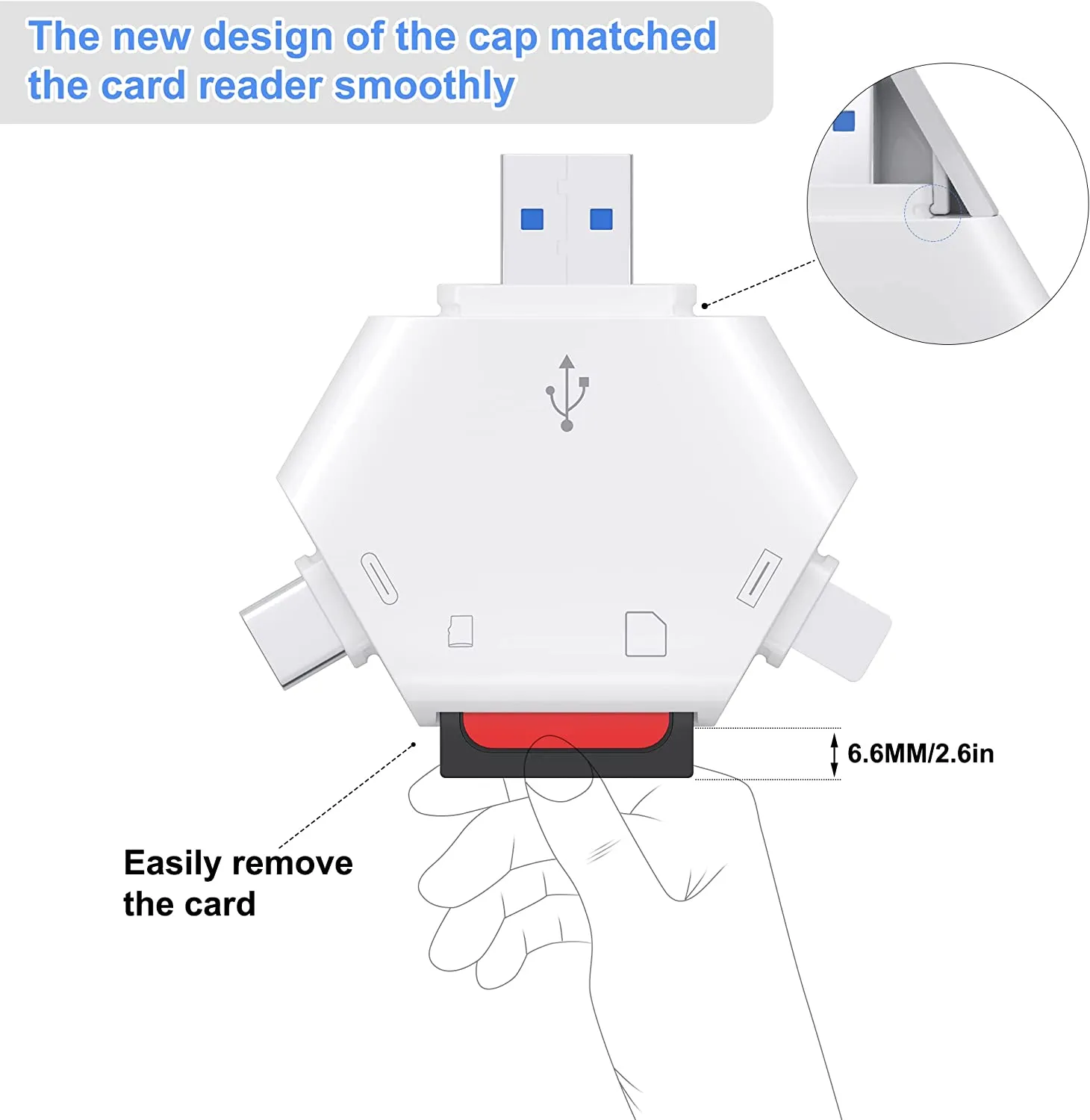
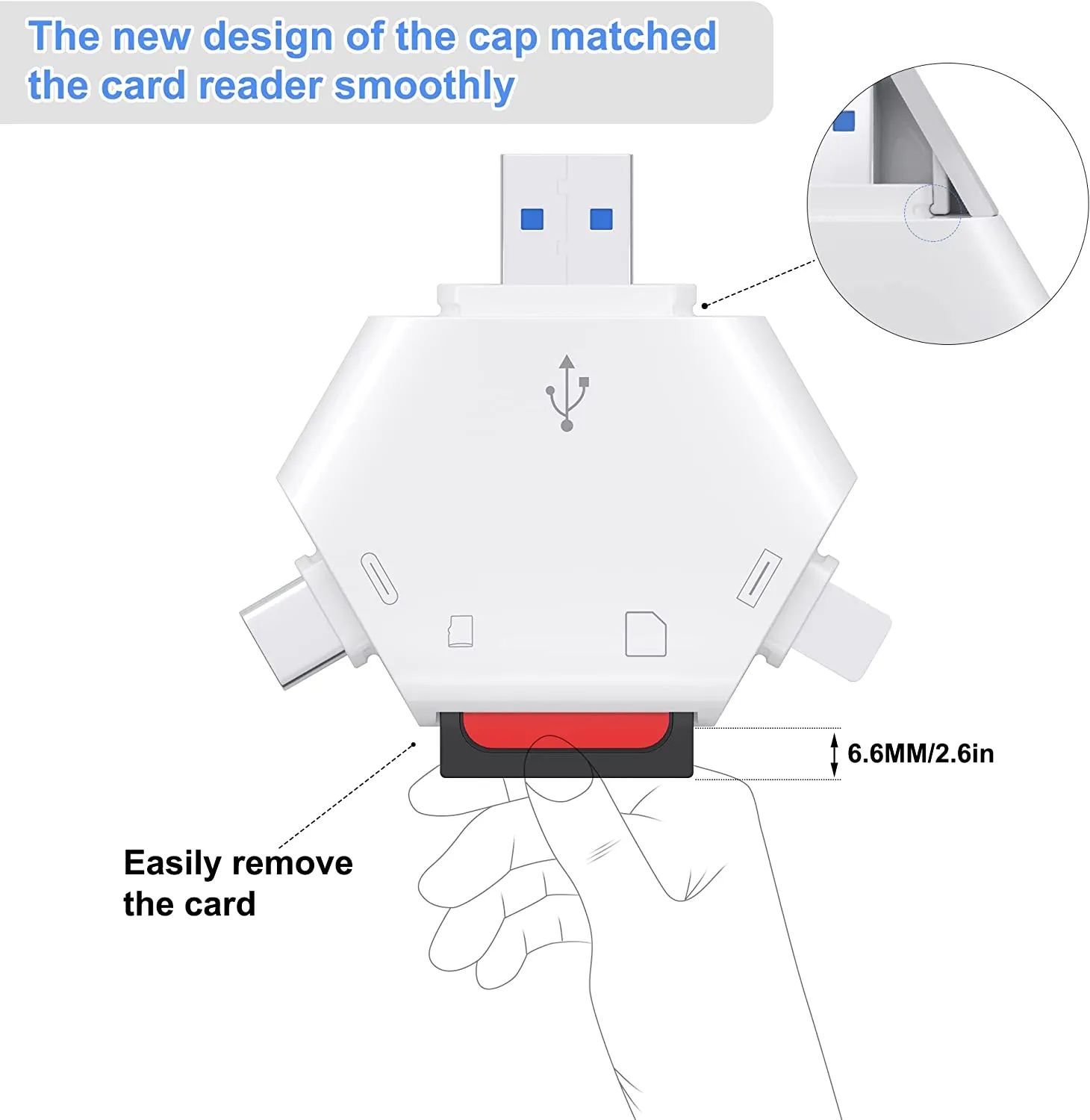
Dual Card Slots
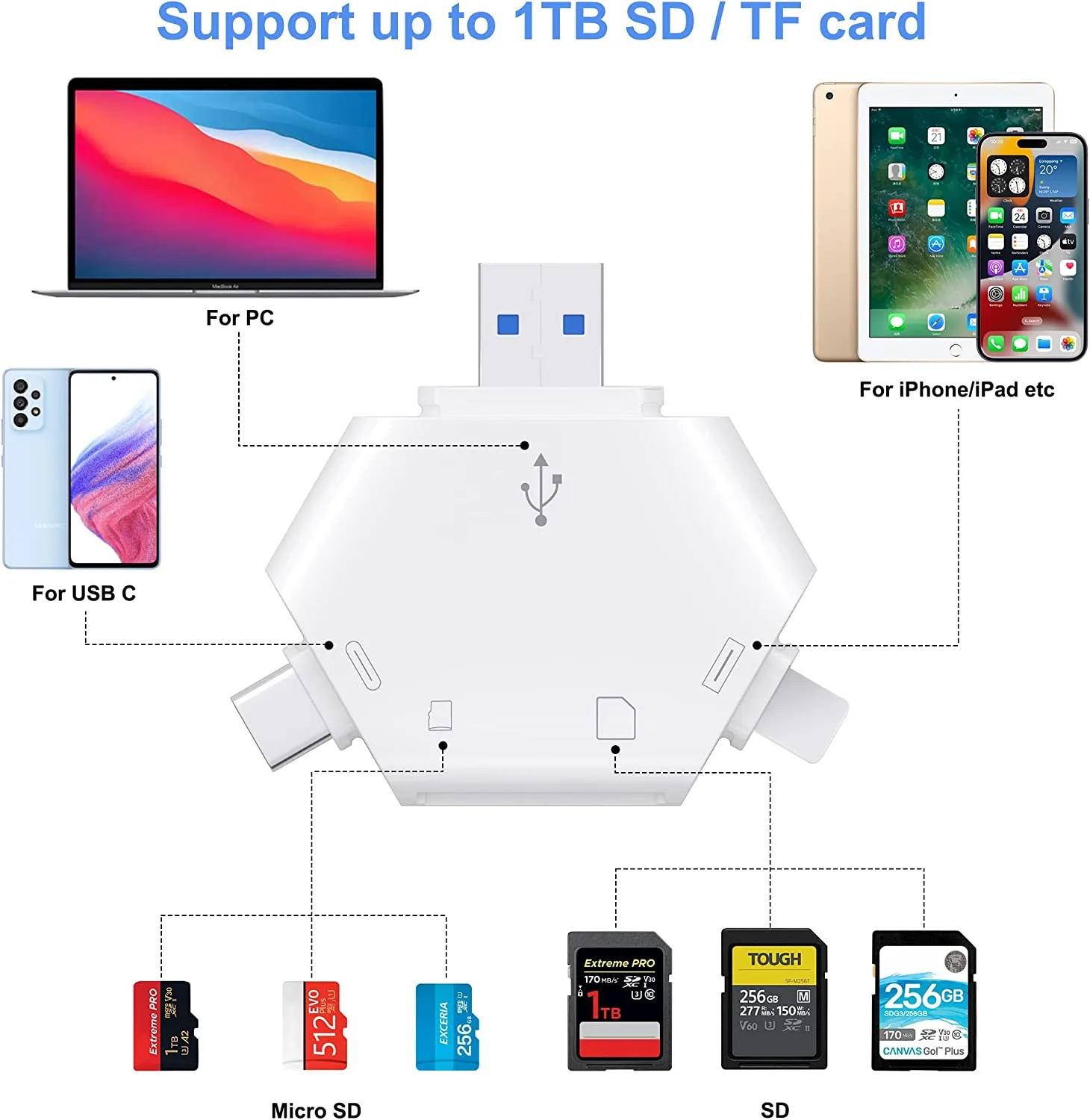
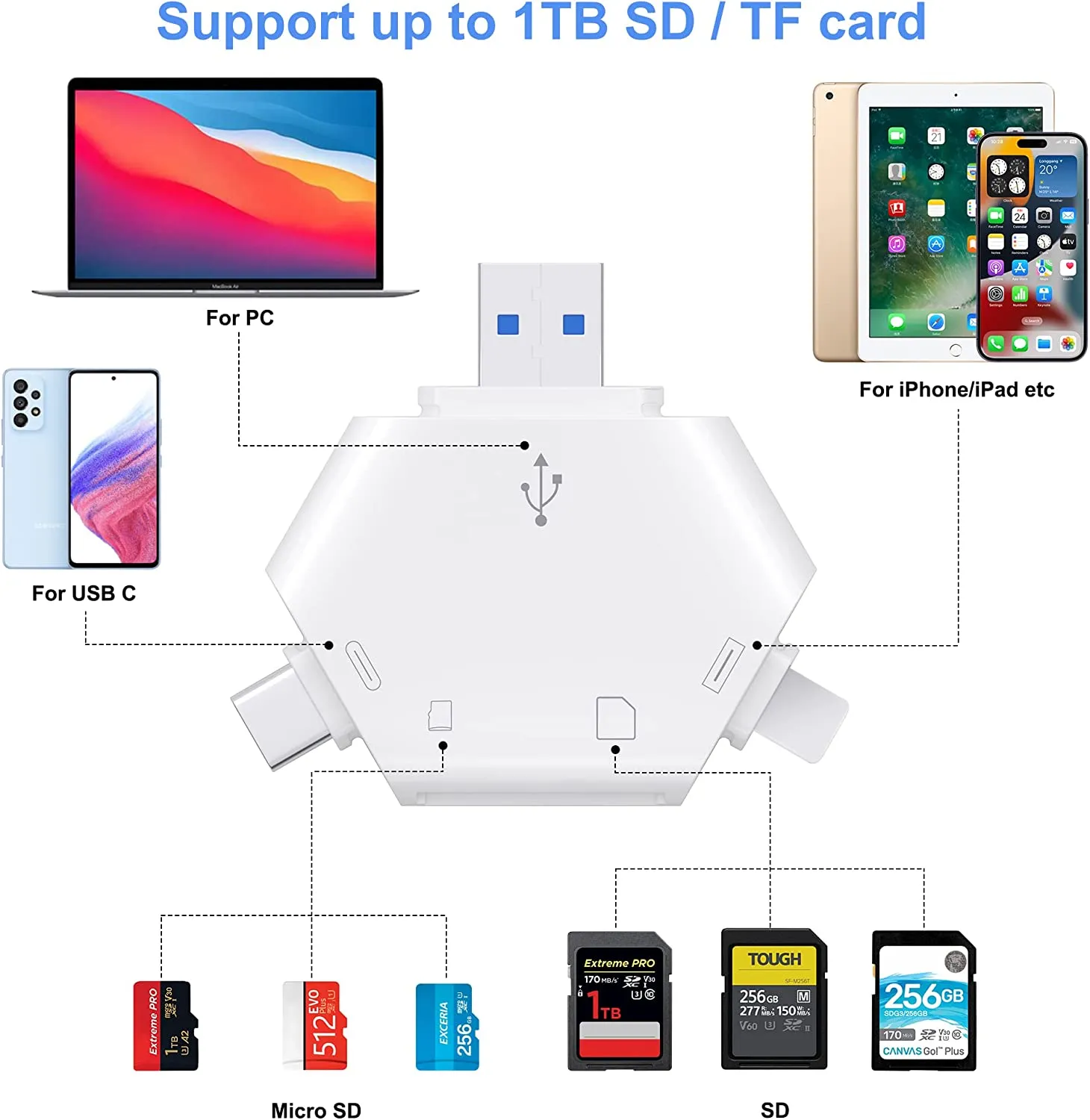
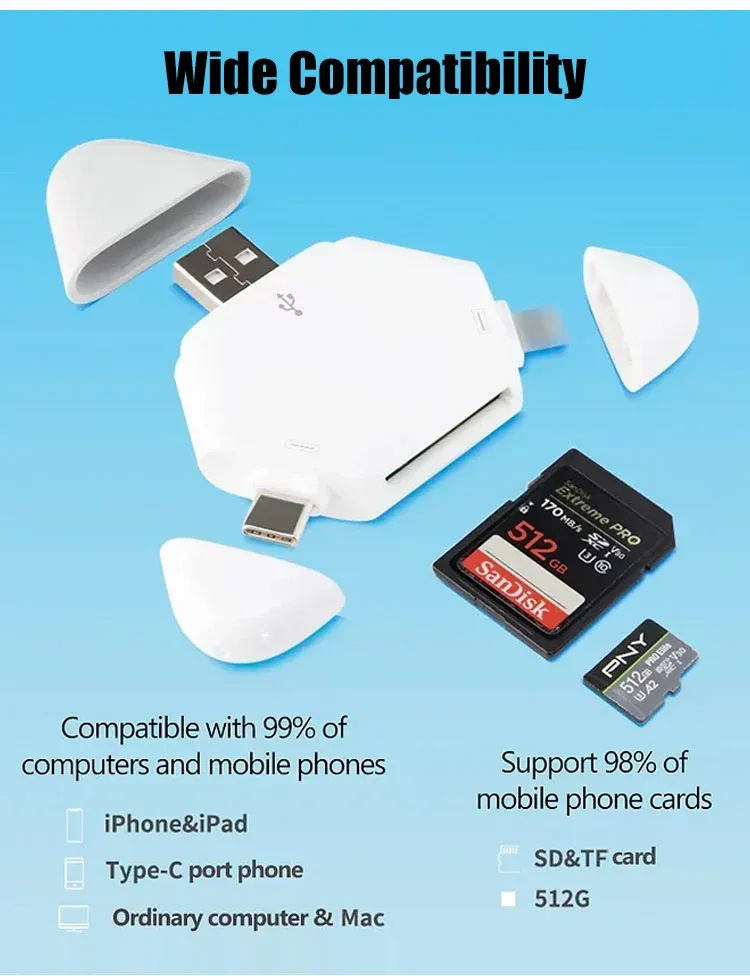
This card reader can read either SD(Secure Digital) card or TF(Micro SD) card, one card at a time. iPhone sd card reader also compatible with UHS-I and UHS-II mode card.
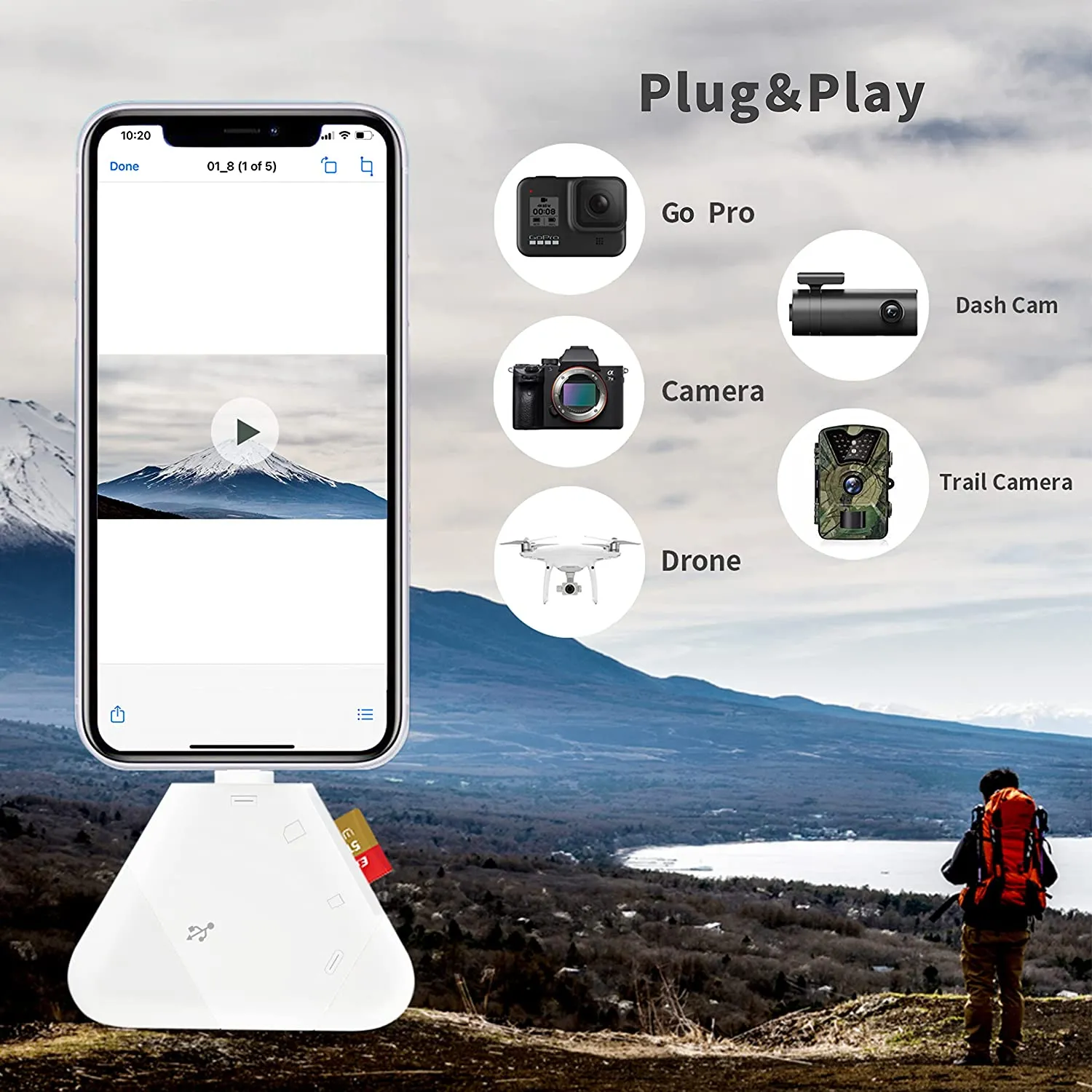
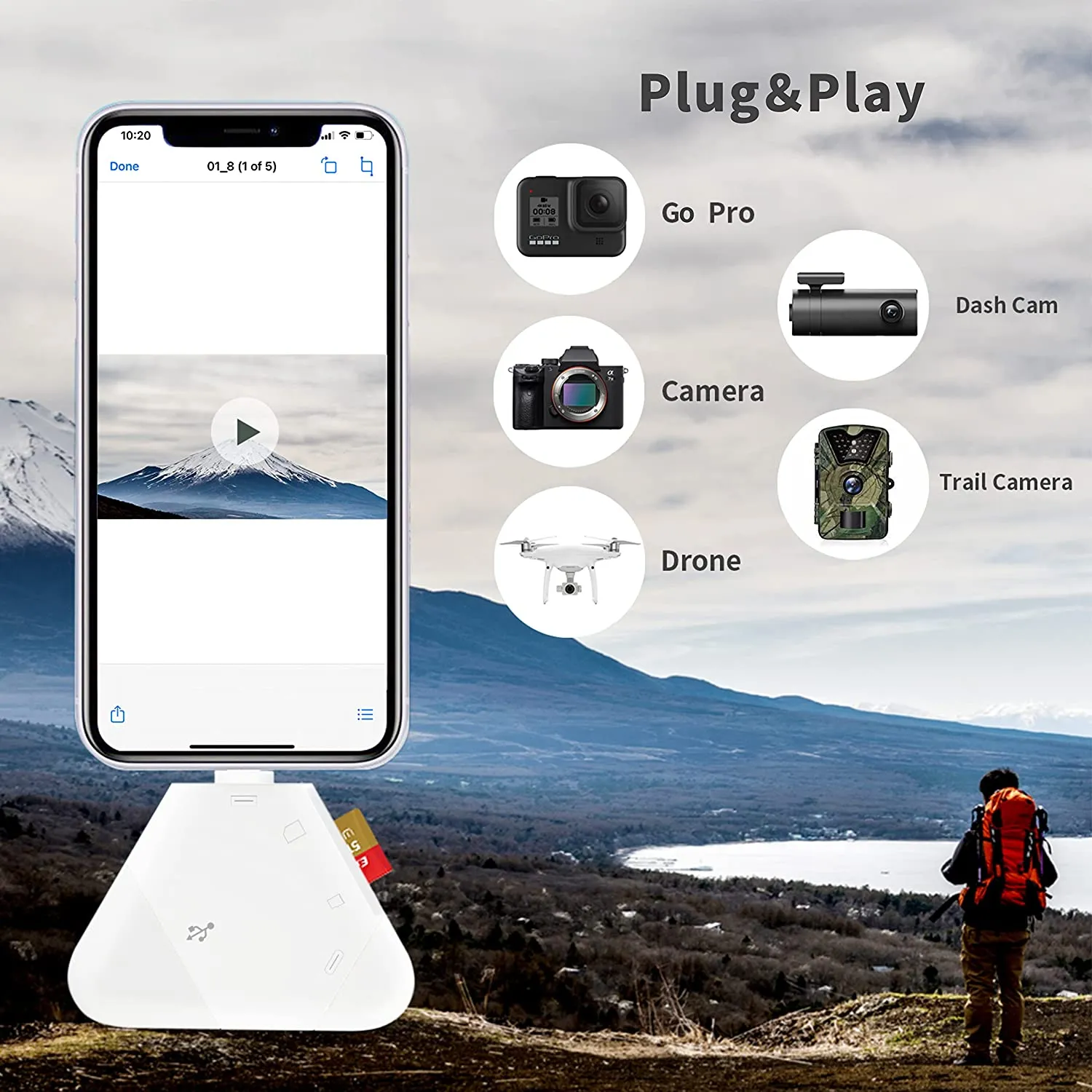
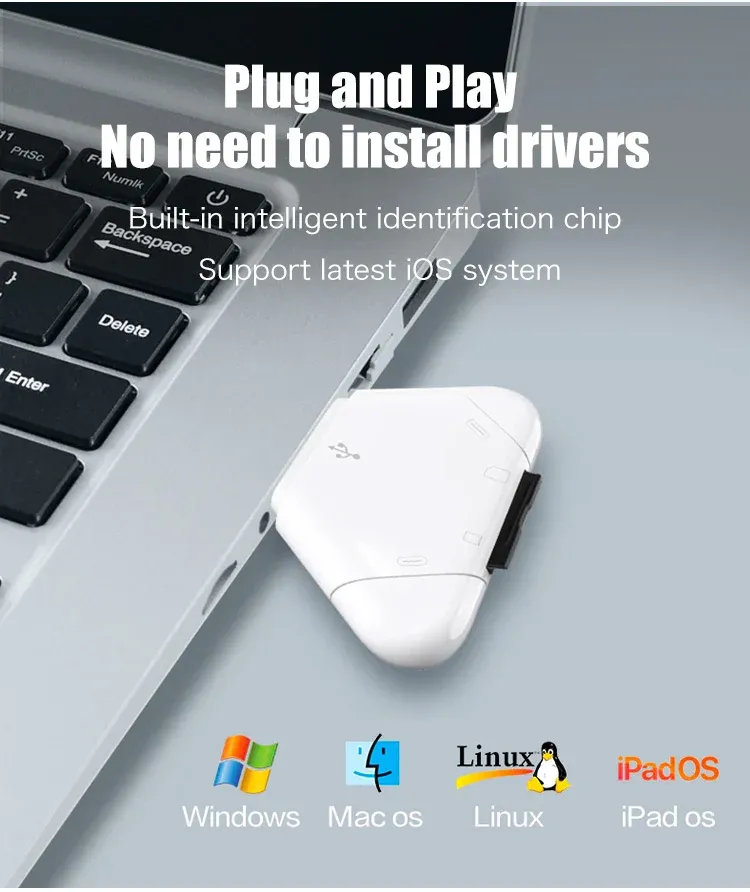
Plug and Play
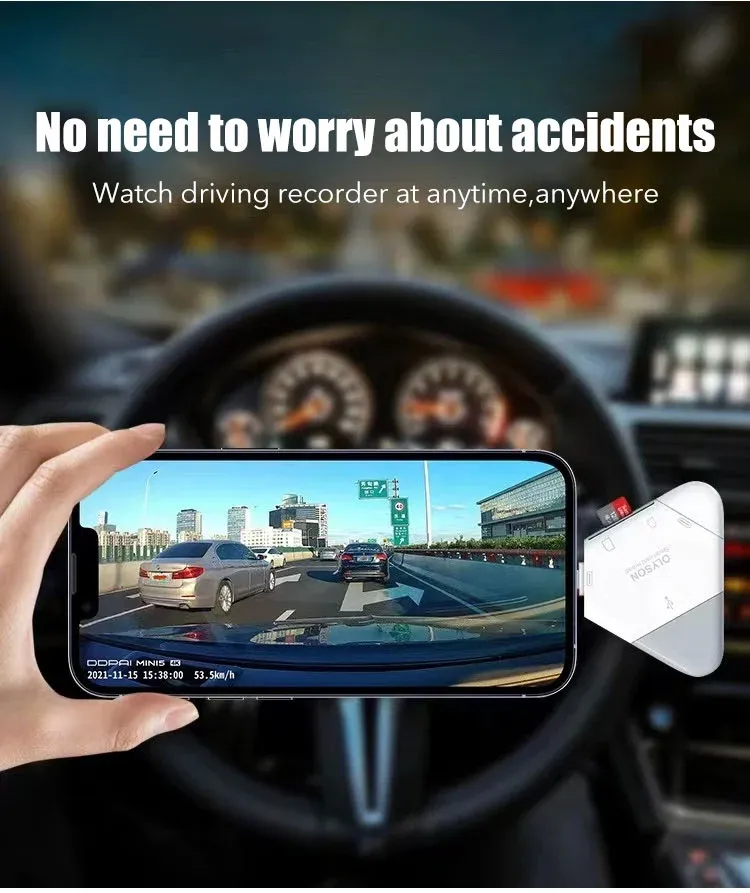
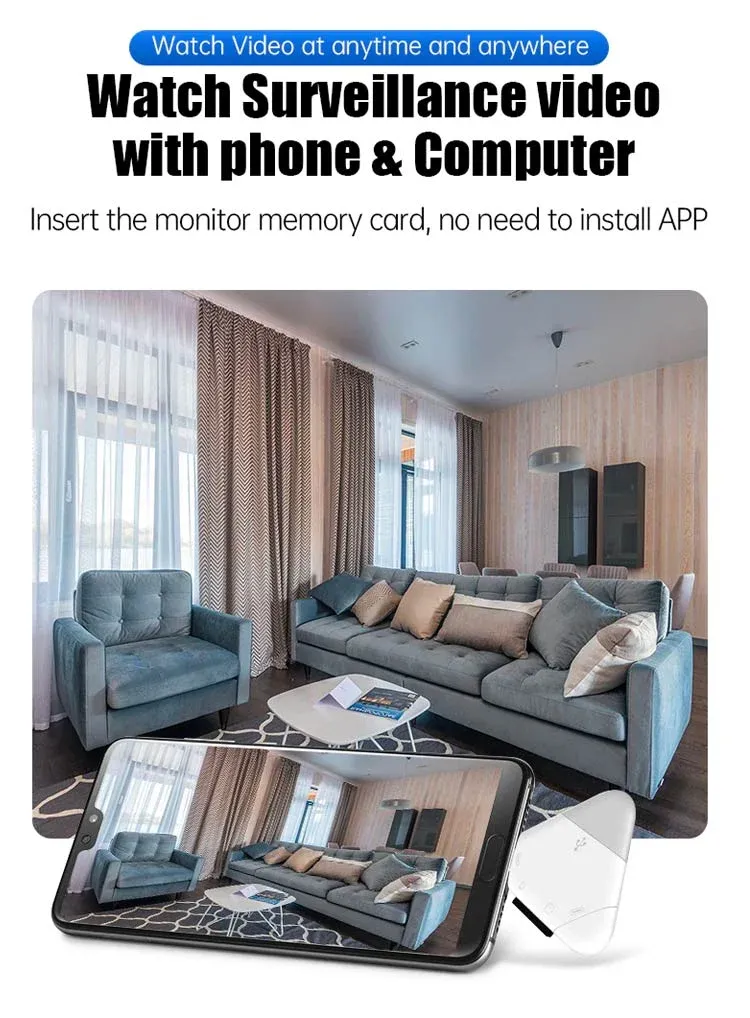
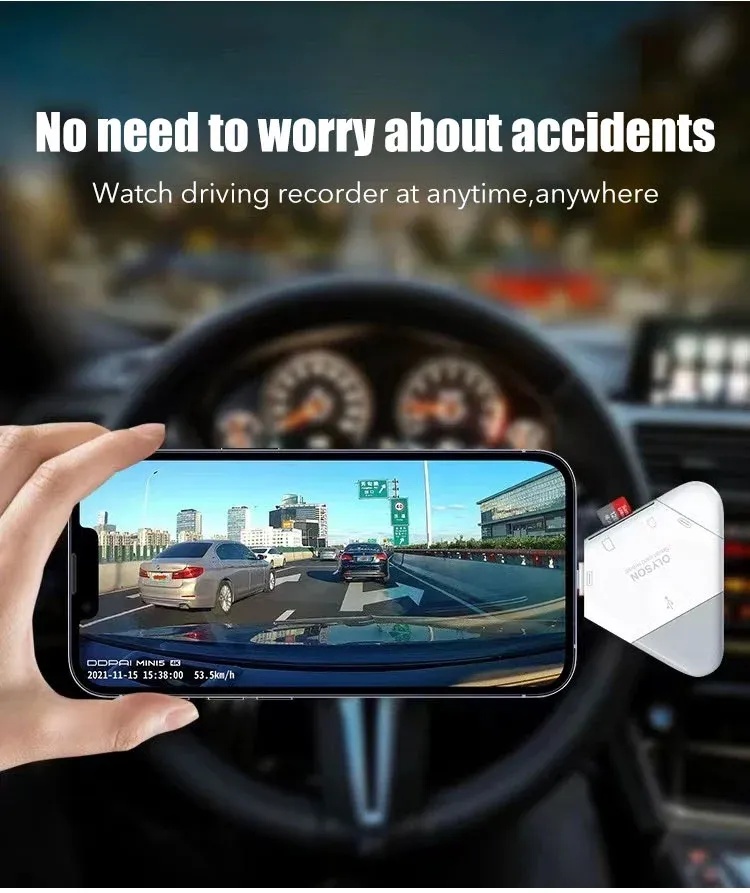
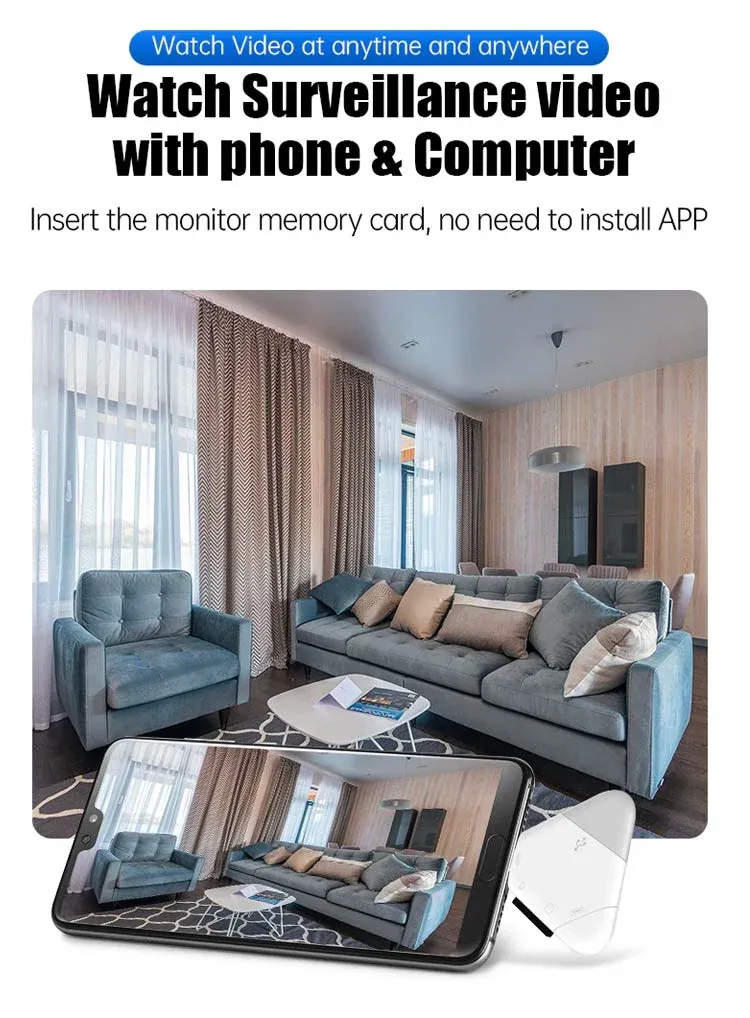
This SD Card Reader for iPhone and SD Card Reader USB C plug and play,the SD Card Reader don't need any APP/Software/Drivers required.
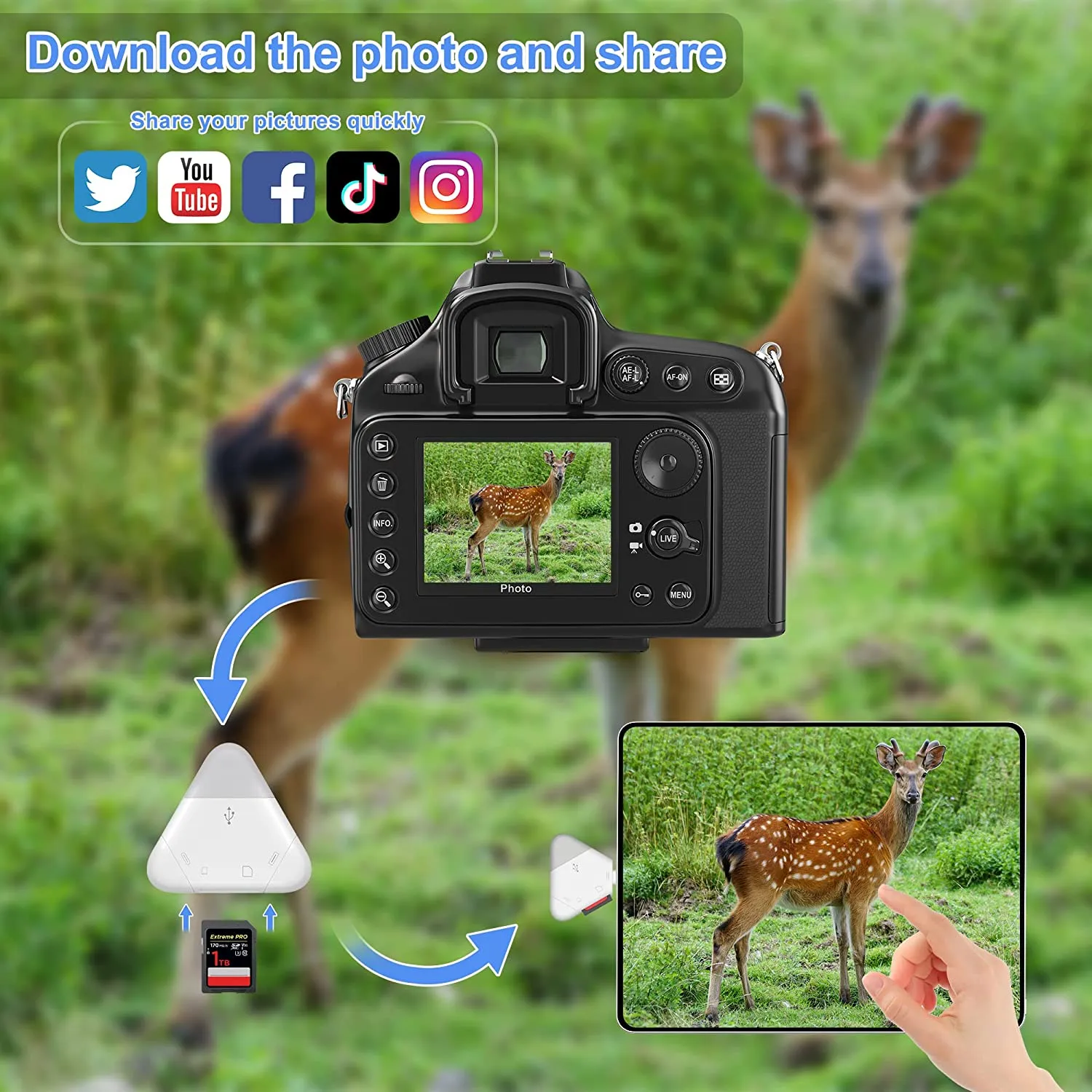
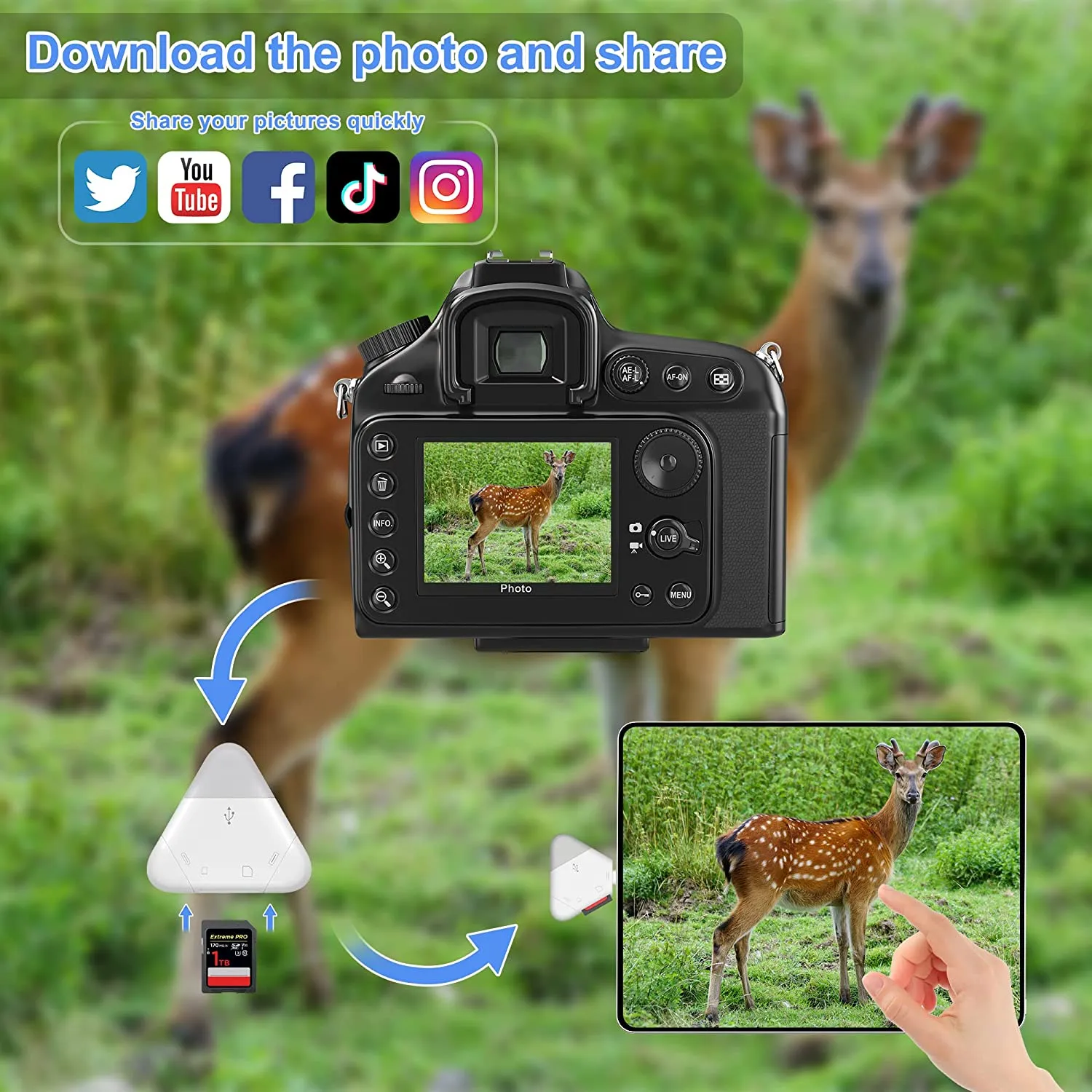
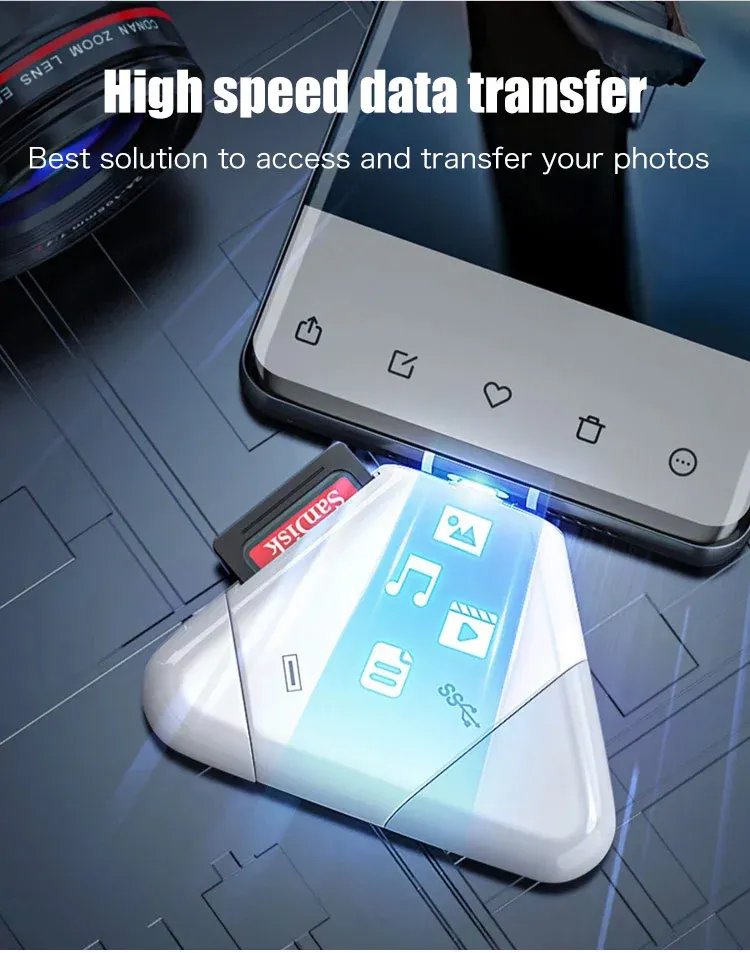
Real-time Sharing
The SD Card Reader for iPhone and USB C SD Card Reader allows you to copy/edit/move/delete/rename/share your files on this Triangle Card Reader, and share your happy moment of your travel with your family to the social in real time.
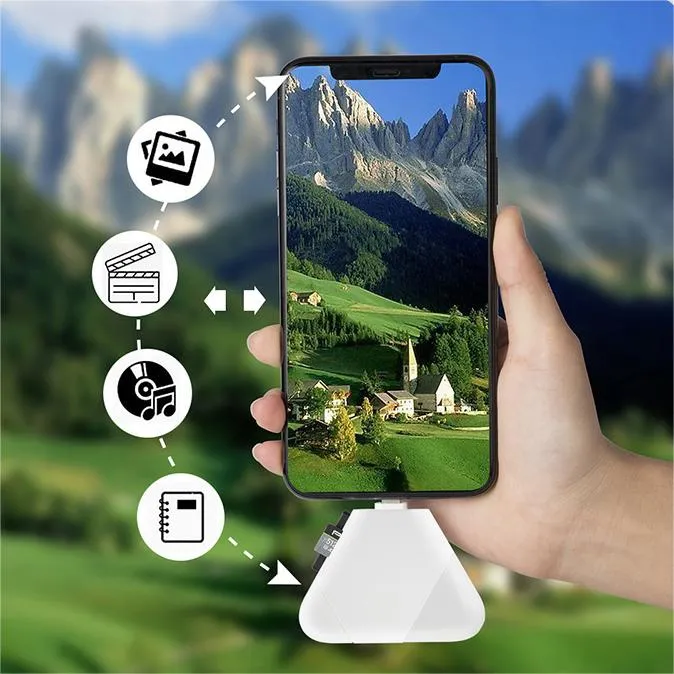
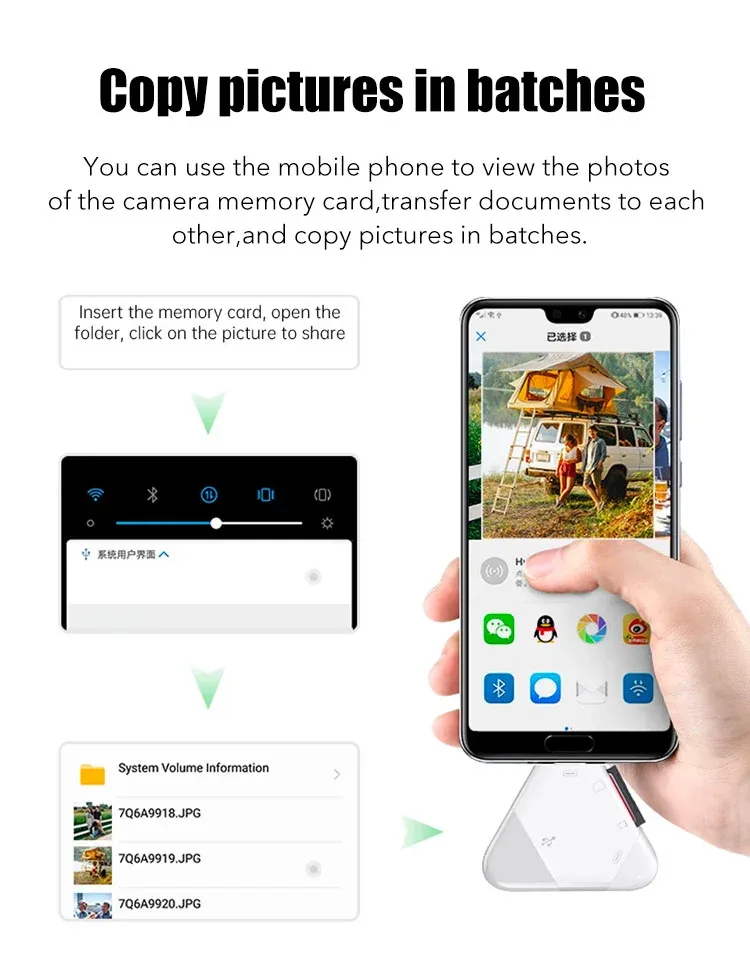
Two Way Transfer
iPhone sd card reader has Two-way transfer suitable for iOS 13-iOS 16 device.
PACKAGE INCLUDES:
-
1 x 3-in-1 Magnetic SD Card Reader (Memory cards or other accessories are not included, you need to purchase it yourself. )
Details:
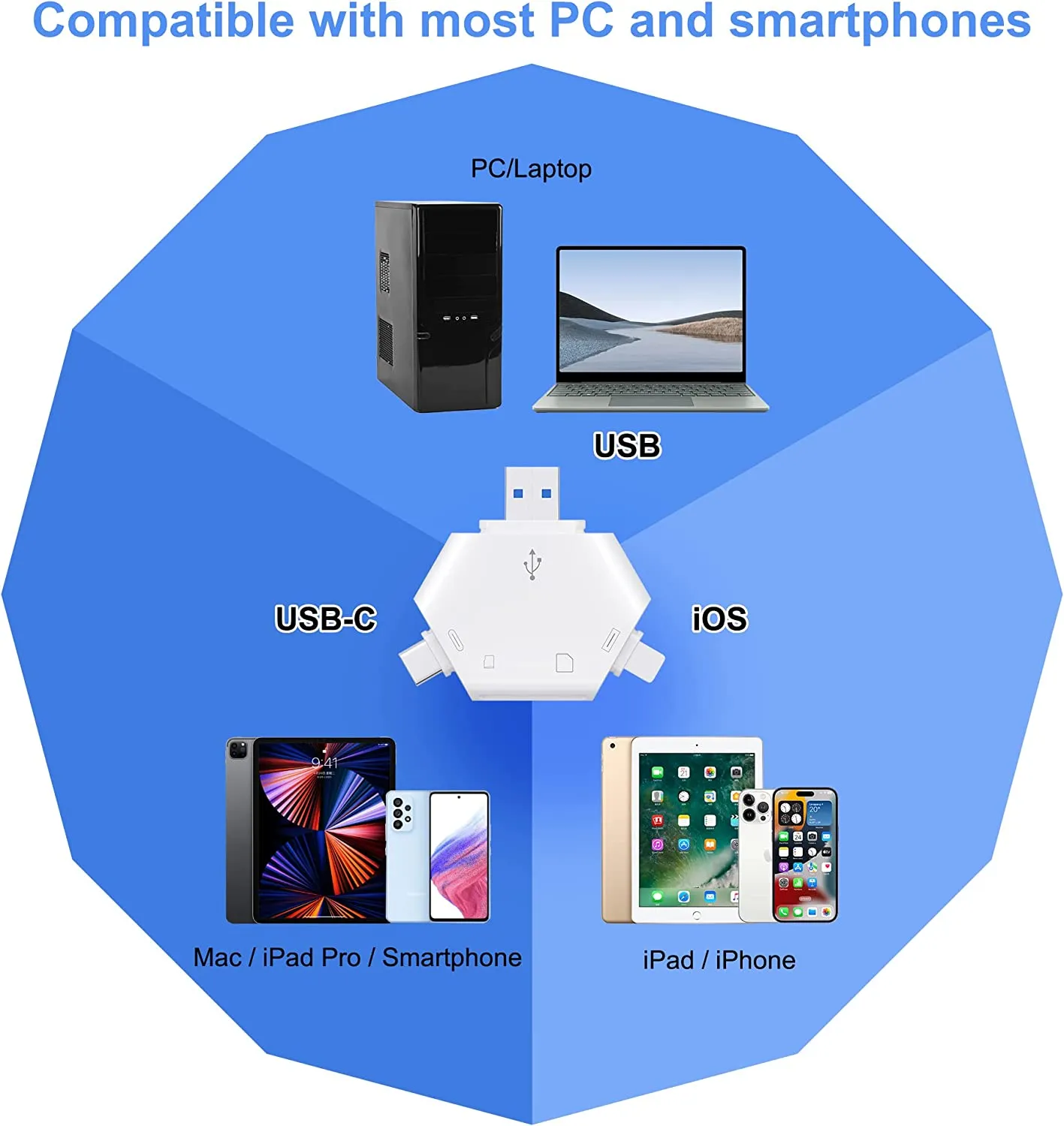
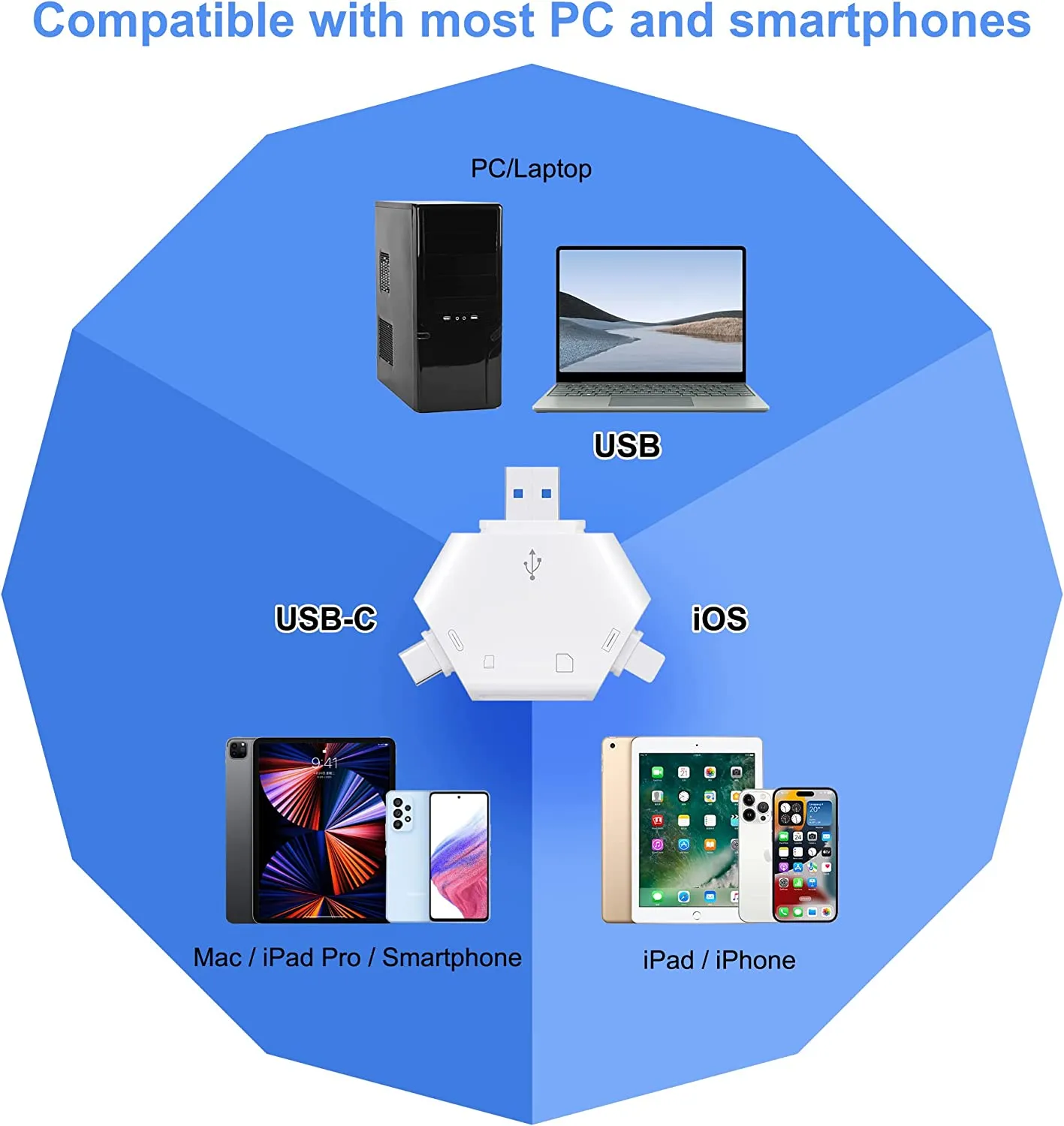
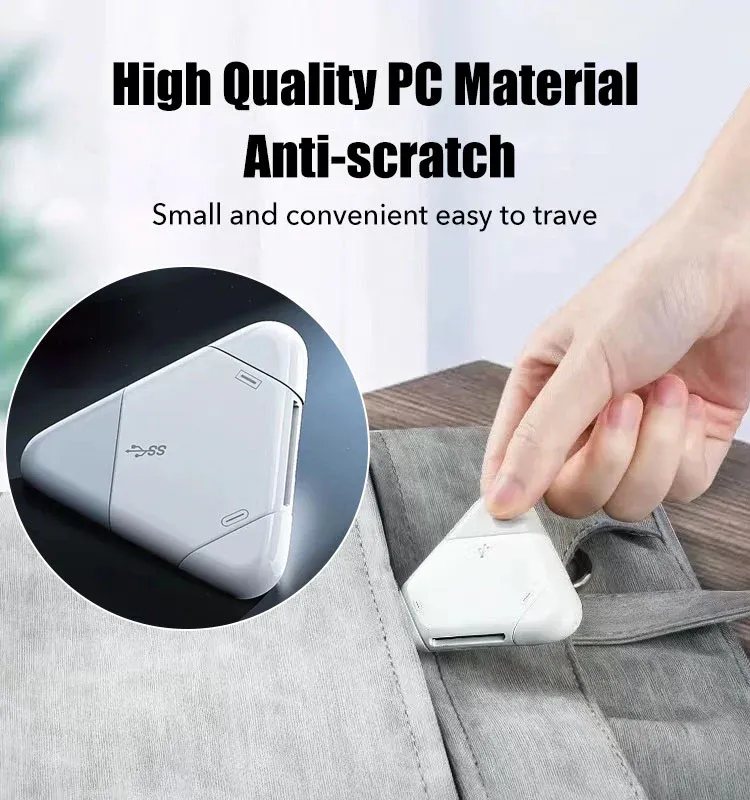
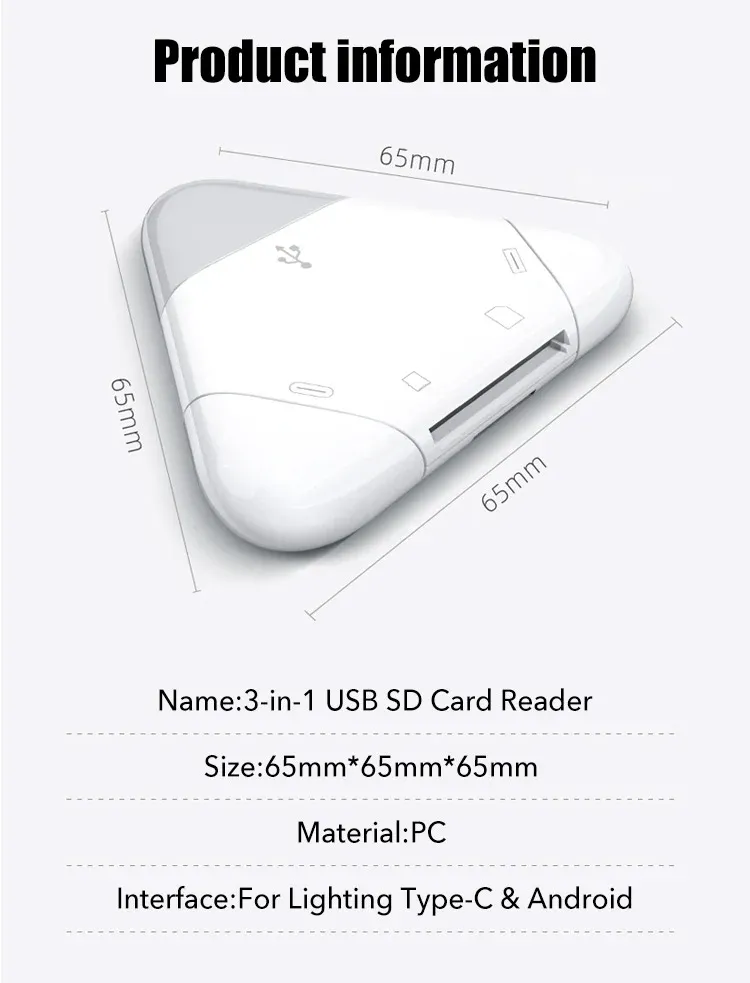
- TIANSONG triangle sd card reader has various interfaces, USB / USB-C(Type c)/Lightning, SD/MicroSD Card slots, iPhone sd card reader Compatible with iPhone/iPad,USB C SD Card Reader Compatible with Macbook Pro,Macbook Air, iPad Pro M1,M2 and most devices.
- The SD Card Reader and Micro SD Card Reader Compatible with SD, SDHC, SDXC, MicroSD, Micro SDHC, Micro SDXC Cards.
- Compatible with iOS9.2 to 16.5, Windows 11,10, 8, 7, Vista and XP, MAC OS 10.4.6, Linux and above.
- Import data from SD/TF card to iPhone, or export the files from iPhone to SD/TF card. Include Word, Power point, Excel, PDF, Photos, Videos, MP3, MP4 etc.
Frequently Asked Questions
Does this allow transfer of dslr larger size cards?
- Yes, it can transfer larger size DSLR SD/TF (Micro SD) memory card, support up to 1TB capacity.
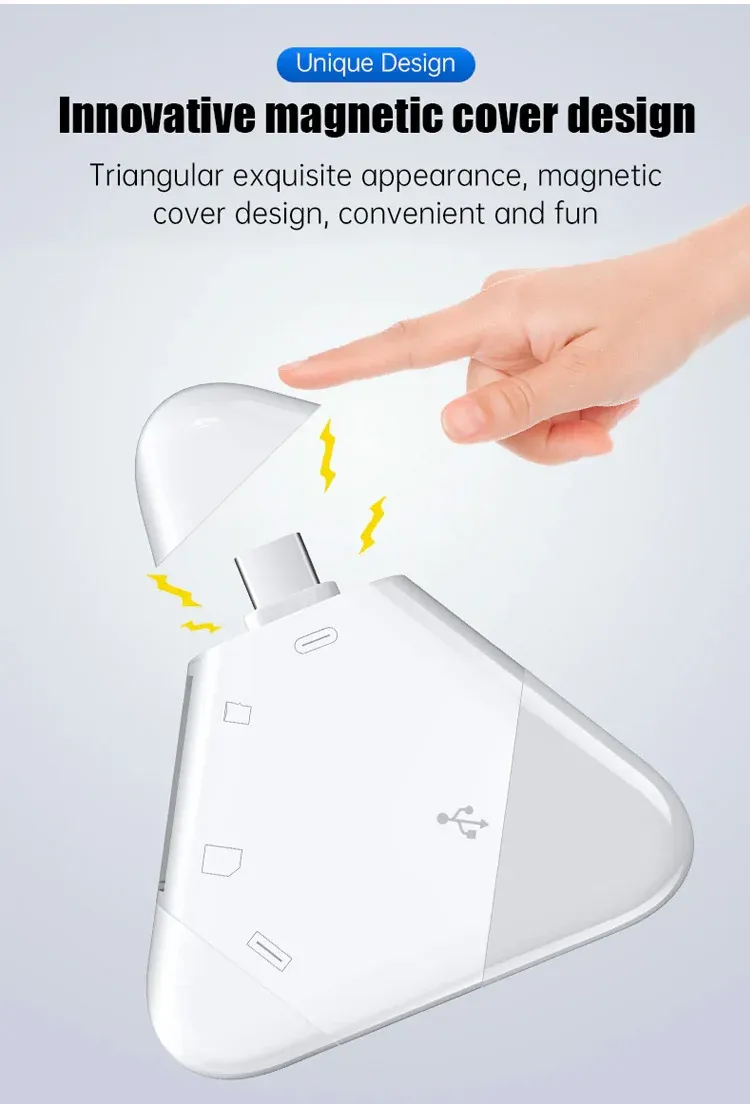
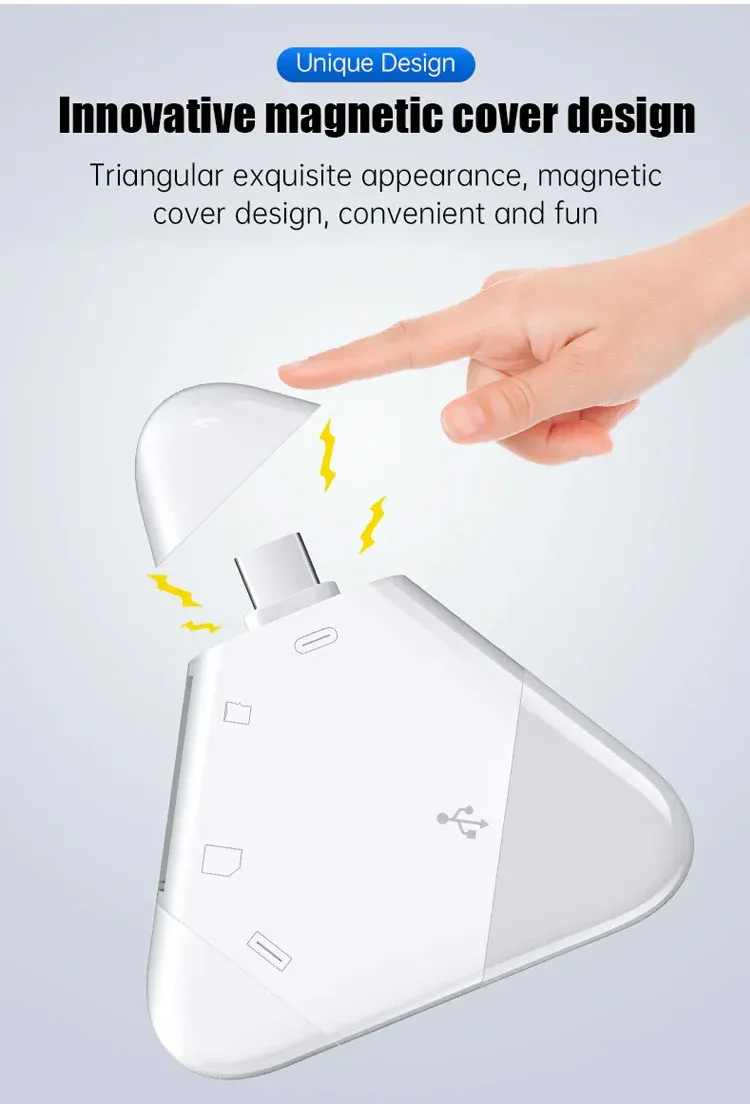
Are all the 3 caps have magnetic function?
- Yes.
Does it work with Samsung galaxy a51?
- This product can works well with iPhone5-14, iPad and iPad Pro. Android smartphone with TYPE-C connector and all kinds of computer including Mac.
I updated iphone to ios 15, does this card reader work with ios 16?
- Yes, this card reader can work with iOS 16.
Can you share photos between iphone and usb c phone?
- Yes, you can. This card reader has connector for iPhone and USB-C Phone, which means compatible for both smartphones.
1. You need to have a SD card or Micro SD Card (TF card)
2. Inset the memory card into the slot of the card reader.
3. Connect the card reader with your iPhone with the lighting connector and find the photo you want to share with USB-C Phone. Download the photos to the memory card. You can use “Photos” app to download the iPhone photos.
4. Unplug the card reader and then connect it with your USB-C phone and fine the memory card, usually you can find it from “My Files” app. You can upload the photos from memory card to your USB-C phone.
NOTE:
Due to the different display and lighting effects, the actual color of the item may be slightly different from the color displayed on the picture.
If you bought it and felt that it is not for you, don’t worry. Just shoot us a message, and we will make it right by offering you a replacement or refund. 100% Simple & Risk-Free process.